
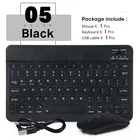
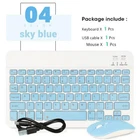
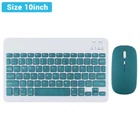
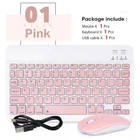
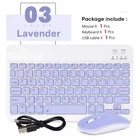
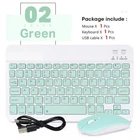
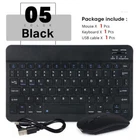
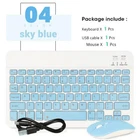
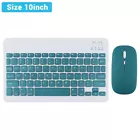
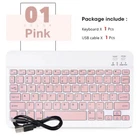
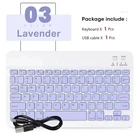
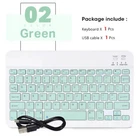

Compact 9.7in Wireless Bluetooth Mouse and English Keyboard Combo
$ 10.46
Description
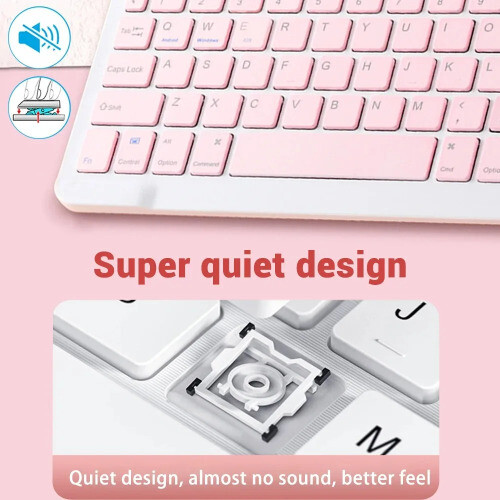
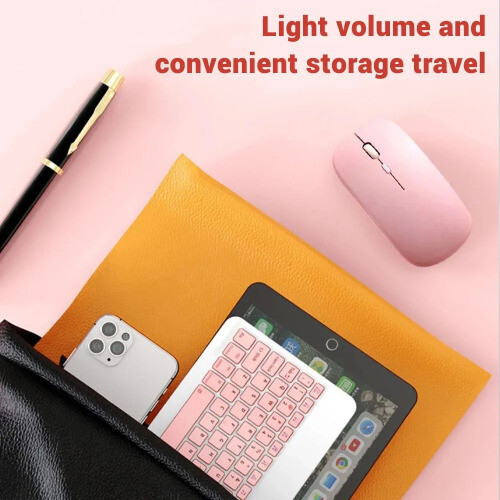
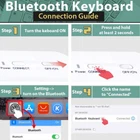
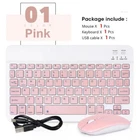
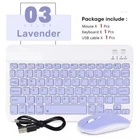
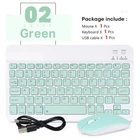
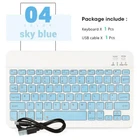
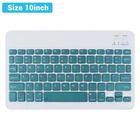
Product features: 1.BROAD COMPAYIBILITY : Use with all four major operating systems supporting Bluetooth (iOS, Android, Mac OS and Windows) ,Compatible with iPads, iPhones and Bluetooth-enabled Tablets, Laptops, and Mobile Phones, such as iPad air , iPad mini, iPad Pro, iPhone Xs Max etc.(Devices without Bluetooth need to buy a Bluetooth receiver by themselves) 2.ULTRA-SLIM,LIGHTWEIGHT & PORTABLE: This lightweight Bluetooth keyboard is designed for anyone who needs a portable capable keyboard for work or play and especially suitable for business travel. 3.RECHARGEABLE AND AUTO SLEEP MODE: The universal wireless bluetooth keyboard uses built-in lithium battery, can be easily recharged through USB cable, no need to change the battery. The Built-in Rechargeable battery is incredibly long-lasting, standby time is about 6 months between charges. The bluetooth wireless keyboard can automatically enter into sleep mode in order to save energy. 4.STABLE CONNECTION: Advanced Bluetooth technology provides a cable-free connection with an operating range of 10 meters. But for Desktop PC Laptop without bluetooth function, you need to insert a third-party bluetooth adapter (not included) to install bluetooth driver before use. 5.COMFORTABLE and QUIET TYPING: The whisper-quiet, low-profile keys bring a whole new level of comfort to your fingertips. Besides, keep all your most-used functions and media controls closer than ever Windows-dedicated hot keys. How to connect? Bluetooth keyboard connection method: 9.7'' keyboard connection : 1.Turn on the "on" button in the keyboard 2.Press and hold the "connection" key on the keyboard for 2 seconds 3. Turn on the Bluetooth device you need to connect to 4.Find "Bluetooth keyboard" in "my device" and click "connected" Mouse connection modes: Bluetooth connection mode: open the 'on' button in the mouse, then open the Bluetooth device to be connected, find 'BT mouse' in 'my device', and then click 'connected'.