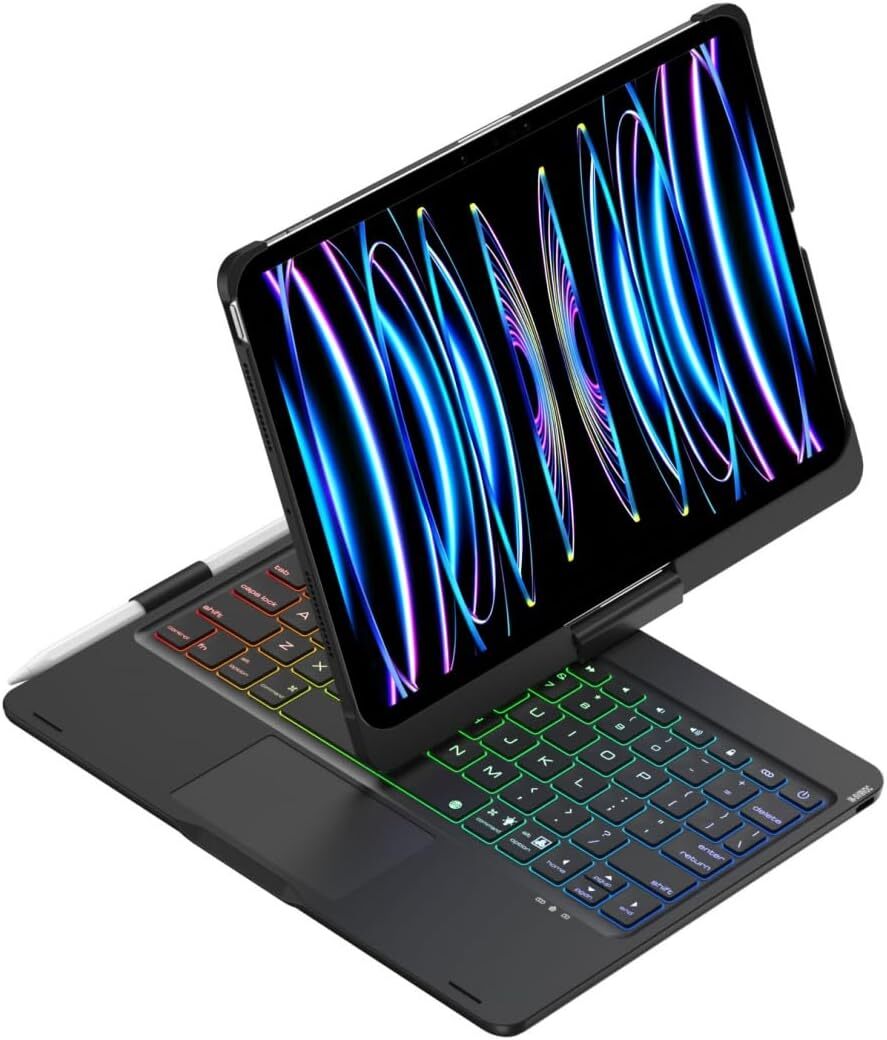




Keyboard Case for Galaxy Tab A9+ 11 inch with 11", Mint Green
$ 34.11
Description
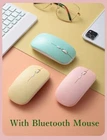
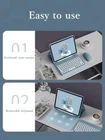
Keyboard Case for Galaxy Tab A9+ 11 inch with 11", Mint Green Product Details Package Dimensions: 14.96 x 9.06 x 1.57 inches Item Weight: 1.76 pounds Manufacturer: HUALINSHANGMAOYOUXIANGONGSI Batteries: 1 Lithium Polymer batteries required. (included) Brand: kaidisen Compatible Devices: Tab A9+ 11" Connectivity Technology: Bluetooth Keyboard Description: Multi Functional Recommended Uses For Product: Gaming, Office Special Feature: Round Key Color: Mint Green Number of Keys: 78 Style: Candy colors Material: Plastic ★ 【Keyboard Case with Mouse for Galaxy Tab A9 Plus 11 inch】This color keyboard case mouse is compatible with Galaxy Tab A9+ 11 inch ★ 【Round key color keyboard】Magnetic detachable rechargeable cute round key color keyboard , not only works with Samsung Galaxy tablet , but also works with other tablets, phones, and computers with Bluetooth functionality. ★ 【Bluetooth mouse】Cute color bluetooth mouse,support Bluetooth connection and 2.4GH wireless connection,The color Bluetooth mouse can be charged, No need to replace the battery,Suitable for various tablets, laptops, and desktop computers. ★ 【Case with S Pen Holder 】 :The protective case comes with S pen holder ,which can be used to store S pen ★ 【Cute Design】 Cute lovely colorful keyboard case and mouse set, Make Your Tablet Unique, Suitable for women, girls and students How to connect this keyboard to Galaxy tablet : 1: turn on the power button on the right side of the keyboard. (The power indicator will go out after flashing. This is to save power, not fault) 2:Press the “FN” key in the lower left corner of the keyboard, do not release it, and then press the “C” key 。 (Note: You need to press FN+C at the same time) At this time, you can see the Bluetooth indicator flashing, This turns on the Bluetooth of the keyboard 。 3:From the tablet's home screen, tap Settings. Tap on Bluetooth. Make sure Bluetooth is set to On, then let it search for devices. Tap on a Bluetooth keyboard, when it appears, to pair. 4:if an authentication (PIN) code appears on the iPad screen, Enter the number with the keyboard and press“Enter” key . 5:When the connection is complete, the Bluetooth indicator will go out, 6:This is a 3-system keyboard, If you are using this keyboard on your Galaxy tablet, Please press “FN” key first, don't release it, then press “Q” key, This is a system for the Galaxy tablet