


LAUNCH CRT5011E OBD2 Car Scanner TPMS Relearn Sensor Programming Diagnostic Tool
$ 92.4
Description
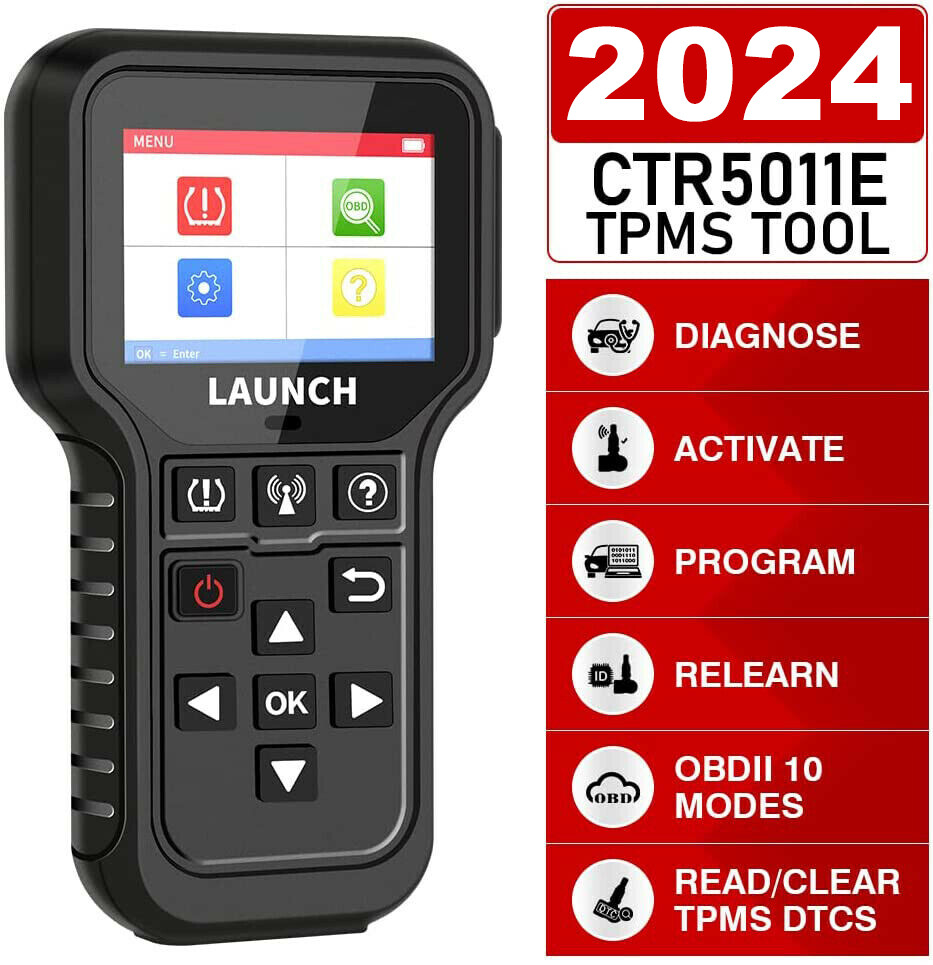
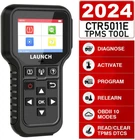
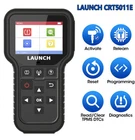
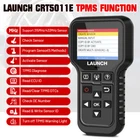
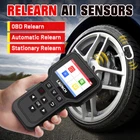
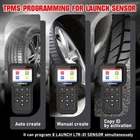
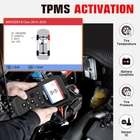
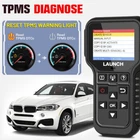
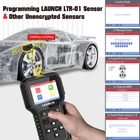
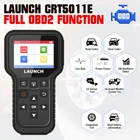
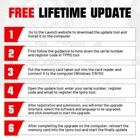
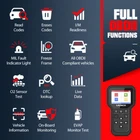
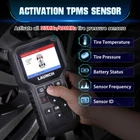
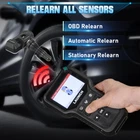
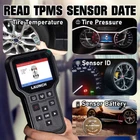
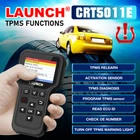
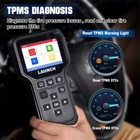
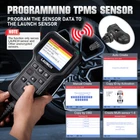
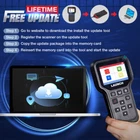
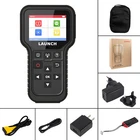
LAUNCH X431 CRT5011E TPMS Activation Diagnostic tools Reset Relearn reprogram 315 MHz 433 MHz tire pressure sensors OBD2 Scanner CRT-511 is a powerful and versatile tool offers 98% coverage of global vehicles with tire pressure system. It is ideal for repair shops or tire shops to easily and accurately find and diagnose the faulty tire pressure sensor, read tire sensor status, read and clear tire pressure DTCs, and reset, relearn and reprogram TPMS sensors. CRT5011E TPMS activtion & Diagnostic tool Specifications Screen : 3.5 inch LCD display with a resolution of 320*480 pixels Input voltage : 9-18V via OBD diagnostic port / 5V via USB cable Operating temperature : 32°F-122°F / 0°C-50°C Storage temperature : -4°F-158°F / -20°C-70°C@RH60% 3.5 inch inch color screen Activate all 315/433MHz tire sensor Read, copy, write Sensor ID quickly Program up to 8 sensors Tire pressure fault diagnosis, including read DTC, clear DTC, etc. Built-in tire pressure learning instruction makes operation more easy Cover 98% global vehicles with tire pressure system Offer lifetime free update Online Features: Covers over 98% global vehicles with tire pressure system Activate and match with all 315 MHz/ 433 MHz tire pressure sensors Reset, relearn and reprogram tire pressure sensors fast Diagnose the tire pressure issues, read and clear tire pressure DTCs Reprogramming LAUNCH sensors with unlimited times Read tire pressure, tire temperature and battery status accurately Reprogram up to 8 sensors at one time Built-in learning tutorial for easy operation Multiple ID generation methods: Manual creation、Copy ID、Automatic creation OBD II / EOBD functions included OBD2 full-function diagnosis LAUNCH CRT5011E TPMS Relearn Tool provides users with complete OBDII diagnostic functions, such as other code readers or OBD2 scanners, including ✔ Read dynamic data streams and MIL ✔ Read readiness status ✔Freeze frame data ✔ Read DTCs ✔ Clear DTCs ✔ O2 sensor test ✔ On-board monitor test ✔ Read vehicle information It can quickly access and diagnose the engine system of OBDII-compliant vehicles. This TPMS tool can perform OBDII-assisted relearning, communicate with the vehicle through the OBDII cable and trigger the sensors installed on the wheels, write the sensor ID directly into the vehicle ECU for sensor recognition, and quickly complete sensor copy. Launch CRT5011E FUNCTIONS: Sensor activation LAUNCH X431 TSUN can quickly activate the ID, wheel pressure, sensor frequency, tire temperature and battery status of the live sensor. Sensor programming The user can use this function to program the sensor data to a blank LAUNCH sensor to replace the sensor with insufficient power and not working properly. Provides three sensor programming methods: automatic, manual and copy by activation. The user can use this function to program the sensor data to a blank LAUNCH sensor to replace the sensor with insufficient power and not working properly. Provides three sensor programming methods: automatic, manual and copy by activation. automatic When the original sensor ID cannot be obtained, this function can be used to program the LAUNCH sensor according to the ID randomly created by the test vehicle. Manual The original sensor ID can be obtained, and this function can be used to manually enter the ID or create it at will. Copy by activation By first activating the original sensor data, and then copying the activated sensor data into the LAUNCH sensor. Before using this method, the original sensor data must be activated. TPMS learning The user can use this function to write the newly programmed sensor ID into the vehicle ECU for sensor identification. Only when the newly programmed sensor ID is different from the original sensor ID stored in the vehicle ECU, the re-learning operation is required. A total of three sensor learning methods are provided: static learning, self-learning and OBD re-learning Static learning Static learning needs to put the vehicle in "learning mode", and then follow the learning steps prompted on the screen. self-study For some vehicles, the learning function can be completed by driving the vehicle self-learning. OBD re-learning This function allows the diagnostic equipment to directly write the sensor ID to the TPMS module. To perform the OBD re-learning function, first use the tire pressure tool to activate all four tire sensors. Then use the diagnostic equipment and its attached diagnostic connector, and follow the on-screen instructions to complete the re-learning operation. Compatiable Vehicle List For ABARTH,for ACURA ,for ALFA ROMEO, for ASTON-MARTIN ,for AUDI , for ALPINA , for BAIC , for BAOJUN, for BENTLEY,for BMW, for BORGWARD, for BUGATTI,for BUICK, for BYD, for CADILLAC, for CHANGAN, for CHERY, for CHEVROLET, for CHRYSLER, for CITROEN, for CMC, for DACIA, for DAEWOO, for DFM, for DODGE, for FAW, for FERRARI, for GEELY, for GMC, for GREAT WALL, for HAVAL, for HAIMA, for HOLDEN, for HONDA, for HSV, for HUMMER, for HYUNDAI, for INFINITI, for ISUZU, for JAC, for JAGUAR, for JEEP, for KIA, for LADA , for LAM BORGH-INI, for LANCIA, for LANDROVER, for LEXUS, for LIFAN, for LINCOLN, for LOTUS, for LUXGEN, for MAHINDRA, for MAN, for MASERATI, for MAYBACH, for MAXUS, for MAZDA, for MCLAREN, for MERCEDES, for MG, for MINI, for MITSUBISHI, for NISSAN , for OPEL , for PAGANI, for PEUGEOT, For PORSCHE, for QOROS, for RENAULT,for ROLLSROYCE, for SAAB, for SCION, for SEAT, for SKODA, for SMART, for SSANGYONG, for SUBARU, for SUZUKI, for SGMW, for TESLA, for SMART , for SSANGYONG, for SUBARU, TOYOTA, for TRAUM, for VAUXHALL, for VOLKSWA-GEN , for VOLVO, for ZOTYE,for FIAT, for FORD, for FOTON, for CHRYSLER, for GMC, for DFM, for CADILLAC , for CHERY, for CHEVROLET , for DODGE,for FAW, for FERRARI, for JAC ,for JAGURE Q & A Q:System halts when reading data stream. What is the reason? A:It may be caused by a slackened connector. Please turn off the tool, firmly connect the connector, and switch it on again. Q:What to do when encountering screen flickering or font damage during use? A:This bug can be fixed ONLY by doing the following: 1. Keep the memory card inserted into the tool and then connect the tool to the PC via USB cable. 2. The system will automatically upgrade the firmware and then reboot. (Note: Although the tool can get power from vehicle’s OBD II port via the diagnostic cable, it only allows users to perform vehicle diagnostics. It does not apply to software update or firmware fix operation. Do not attempt to connect the tool to the vehicle’s OBD II port to fix this bug.) Q:Screen of main unit flashes at engine ignition start. A:Caused by electromagnetic disturbing, and this is normal phenomenon. Q:There is no response when communicating with on-board computer. A: Please confirm the proper voltage of power supply and check if the throttle has been closed, the transmission is in the neutral position, and the water is in proper temperature. Q:Why are there so many fault codes? A:Usually, it’s caused by poor connection or fault circuit grounding. Q:What to do if the tool fails to boot up? A:Please connect the tool to the USB port of a computer to fix the firmware.